
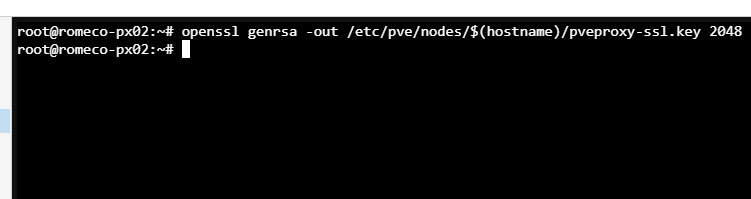
- Generate from the proxmox server shell a private key to start with
openssl genrsa -out /etc/pve/nodes/$(hostname)/pveproxy-ssl.key 2048
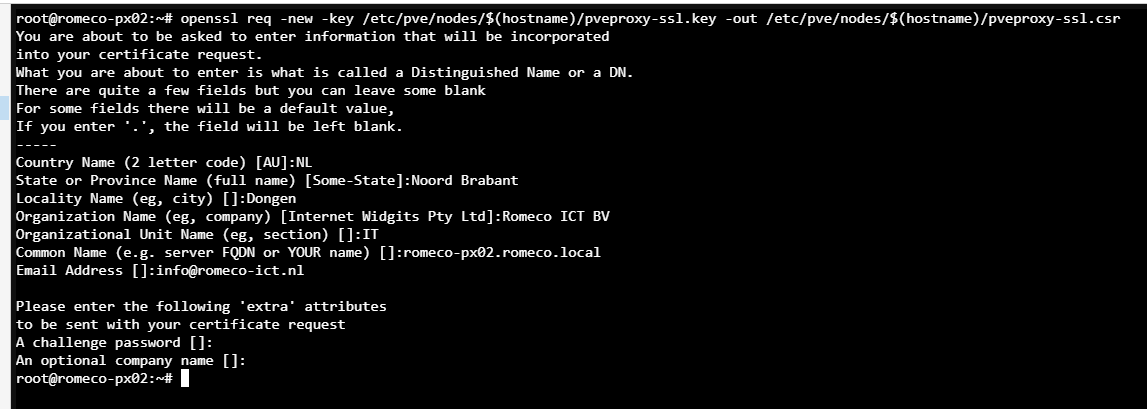
- Generate the Certificate Request
openssl req -new -key /etc/pve/nodes/$(hostname)/pveproxy-ssl.key -out /etc/pve/nodes/$(hostname)/pveproxy-ssl.csr
- Do a cat on the csr to show the Certificate Request in plain text.
cat /etc/pve/nodes/$(hostname)/pveproxy-ssl.csr
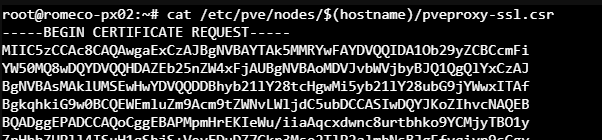
Copy the content with the lines -----BEGIN till end -------
- Open a new tab in your browser and go to: https://romeco-dc01.romeco.local/Certsrv and login with your admin credentials.
- Select "Request a Certificate"followed by "Advanced Certificate request" and past your key in first empty box.
- Select "WebServer" as a template.
- And add these fields in the bottom box: san:dns=romeco-px02.romeco.local&dns=romeco-px02&dns=192.168.245.103
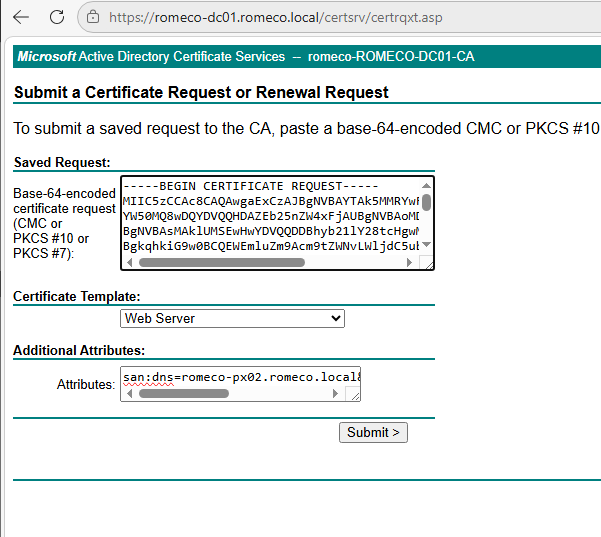
- Select "Submit" and on the next page save your certificate as a base64 format. Save the file as certnew.cer and rename it to yourfilenamechoice.pem.
- Also download certificate chain. It does that to a p7b file.
- When the .p7b is downloaded, we need to extract the root certificate out of this file. Double tab the file and it will open.
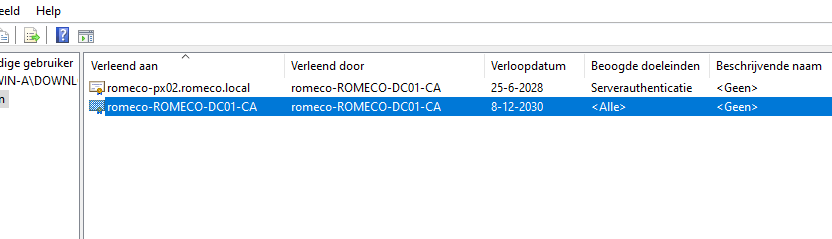
- When you export the file save it as rootca.cer.
- Now comes the tricky part. Open the certnew.cer that you downloaded with notepad. Als open rootca.cer. Copy the content from rootca.cer and copy it below the text in the certnew.cer. So now 2 certificates are in 1 file. Save it.!
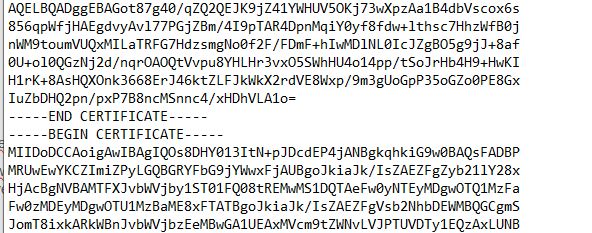
Leave no spaces between the 2 certificates.!
- From the cli cat to the private key you created in the beginning: cat /etc/pve/nodes/$(hostname)/pveproxy-ssl.key (change $(hostname) with the correct folder for this server.
- Now you have all the ingredients. Click on upload certificate. Paste the private key in the top field and in the below field the combined certnew.cer we made.
- Check the url of proxmox from an ingocnito browser.